How to Create a Restaurant App Without a Developer
You Don't Need a Developer to Start
The idea of having your own restaurant app probably sounds expensive. Custom mobile development can cost tens of thousands of dollars, take months, and requires ongoing maintenance. For most independent restaurants, that is not realistic.
But here is the thing: you do not need to build the final app to get started. What you need first is a clear, professional design that shows exactly what the app should look like and how it should work. That design becomes your blueprint - something you can test with customers, show to investors, or hand off to a developer when you are ready.
With criei.ai's mobile_app format, you can design a complete restaurant app in minutes using plain language prompts. No coding. No Figma skills. No developer on retainer.
What Screens Does a Restaurant App Need?
Before writing your first prompt, think about what your app needs to do. Most restaurant apps share a common set of screens:
- Home screen - featured items, categories, promotions, and quick actions
- Menu browsing - organized by category with photos, descriptions, and prices
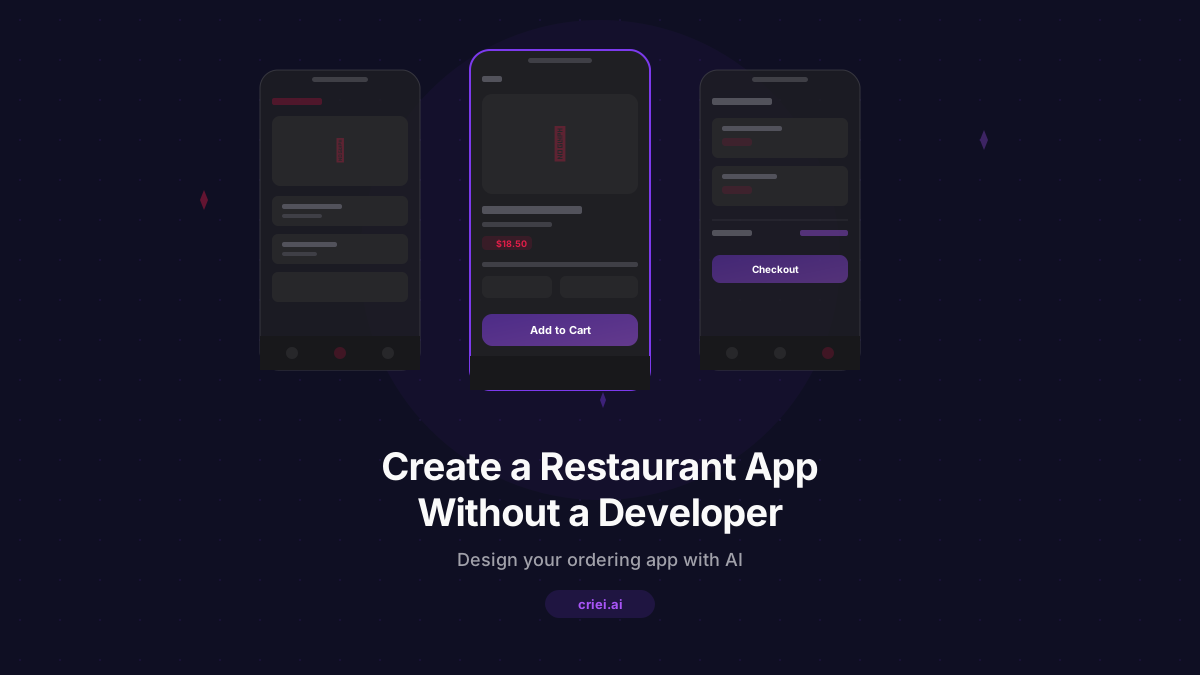
- Item detail - full description, customization options (size, toppings, extras), and add-to-cart button
- Cart - order summary with quantities, item totals, and the ability to edit
- Checkout - delivery or pickup selection, address input, payment method, and order confirmation
- Reservations - date and time picker, party size, special requests
- Order history - past orders with reorder option
- Profile - saved addresses, payment methods, preferences
You do not need all of these on day one. Start with the core flow: home, menu, item detail, cart, and checkout. You can add reservations and profiles later.
Writing Your First App Prompt
The mobile_app format in criei.ai generates multiple screens that feel like a real app, with proper navigation bars, touch-friendly buttons, and mobile-optimized layouts.
Here is a strong starting prompt:
"A mobile ordering app for a Mexican restaurant called Casa Fuego. Warm color palette with burnt orange, dark brown, and cream. Home screen with a hero banner for daily specials, category buttons for tacos, burritos, bowls, drinks, and desserts, and a section of popular items. Bottom navigation with Home, Menu, Cart, and Profile tabs."
This single prompt gives the AI your brand identity, the app structure, and enough detail to generate a usable first screen. From there, you can generate additional screens one at a time.
Building Out the Menu Screen
Once you have a home screen you like, move on to the menu browsing experience:
"Menu screen for Casa Fuego. Grid layout with food item cards showing a photo area, item name, short description, and price. Category tabs at the top: All, Tacos, Burritos, Bowls, Sides, Drinks. Each card has a small Add button. Keep the warm color palette from the home screen."
Key details to include in menu prompts:
- How items should be displayed (grid, list, cards)
- What information each item card shows
- How categories are organized
- Whether there are filters or a search bar
- The visual style should match previous screens
Designing the Item Detail and Cart
The item detail screen is where customers decide to buy. Make it count:
"Item detail screen for Casa Fuego. Large photo area at the top, item name and description below, price displayed prominently. Customization section with radio buttons for size (regular, large) and checkboxes for extras (guacamole, sour cream, jalapeños, extra cheese). Quantity selector and a large Add to Cart button at the bottom. Same warm color palette."
Then the cart:
"Cart screen for Casa Fuego. List of added items with name, customizations, quantity, and price for each. Edit and remove buttons per item. Subtotal, delivery fee, and total at the bottom. A Proceed to Checkout button. Option to add a promo code. Warm palette, clean layout."
Notice how each prompt references the restaurant name and color palette. Consistency across prompts keeps the app feeling cohesive.
The Checkout Flow
Checkout is where the order becomes real. Keep it simple and trustworthy:
"Checkout screen for Casa Fuego. Toggle at the top for Delivery or Pickup. For delivery: address input field with a saved addresses dropdown. Estimated delivery time display. Payment section with credit card and cash on delivery options. Order summary collapsed at the top. Place Order button at the bottom. Clean, reassuring design."
A good checkout screen minimizes friction. Every extra step or confusing element costs you orders.
Adding a Reservation Screen
If your restaurant takes reservations, add a dedicated screen:
"Reservation screen for Casa Fuego. Date picker, time slot selector showing available times, party size selector from 1 to 10+. Optional field for special requests like birthday, high chair, dietary needs. A Reserve button at the bottom. Show the restaurant's address and a small map placeholder. Warm, inviting design."
This screen can live in the bottom navigation or be accessible from the home screen as a prominent button.
Customizing Your Brand Look
The AI generates designs based on your descriptions, but you can refine them through follow-up prompts:
- Change colors: "Use a darker background with lighter text for a more premium feel"
- Adjust typography: "Use a bolder font for headings and a lighter one for body text"
- Modify layout: "Switch the menu from a grid to a vertical list with larger photos"
- Add branding: "Include the restaurant logo in the header and use our signature red as the accent color"
Each iteration brings the design closer to your vision. Work on one screen at a time for the best control.
From Design to Real App
Once your designs are complete, you have several paths forward:
Export for development. criei.ai can export your mobile app designs as Expo (React Native) code. This gives a developer a massive head start - instead of building from scratch, they are refining and connecting a working prototype to your backend.
Share with a freelancer. Download your screen designs and share them as a visual specification. A developer can see exactly what you want instead of guessing from a vague description.
Use as a pitch deck. If you are seeking investment or a partner, professional app mockups demonstrate that you have a clear product vision.
Test with customers. Show the screens to regular customers and get feedback before spending money on development. Do they understand the navigation? Can they find their favorite dish? Is the checkout clear?
Prompt Writing Tips for Better Results
After designing dozens of restaurant apps, here are the patterns that produce the best output:
- Name your restaurant in every prompt. It keeps the branding consistent.
- Specify the color palette once, then reference it. Say "same warm palette" instead of listing colors again.
- Describe the user action. Instead of "a screen with buttons", say "a screen where the user selects toppings and adds the item to their cart."
- Include real menu items. "Tacos al pastor, $12.50" is better than "food item, $X.XX."
- Reference the navigation structure. Mention which tab this screen belongs to so the AI includes the correct nav state.
Start Designing Today
You do not need a developer to create your restaurant app. You need a clear vision and a tool that can translate it into professional screens. criei.ai gives you that - in minutes, not months.
Start with the home screen. Build out the ordering flow. Refine the look. When you are ready, export the code or hand the designs to a developer. Either way, you are starting from a position of clarity instead of guesswork.
Ready to build your restaurant app? Start designing for free on criei.ai and see your app take shape screen by screen.