Best v0 Alternative for Mobile App Design in 2026
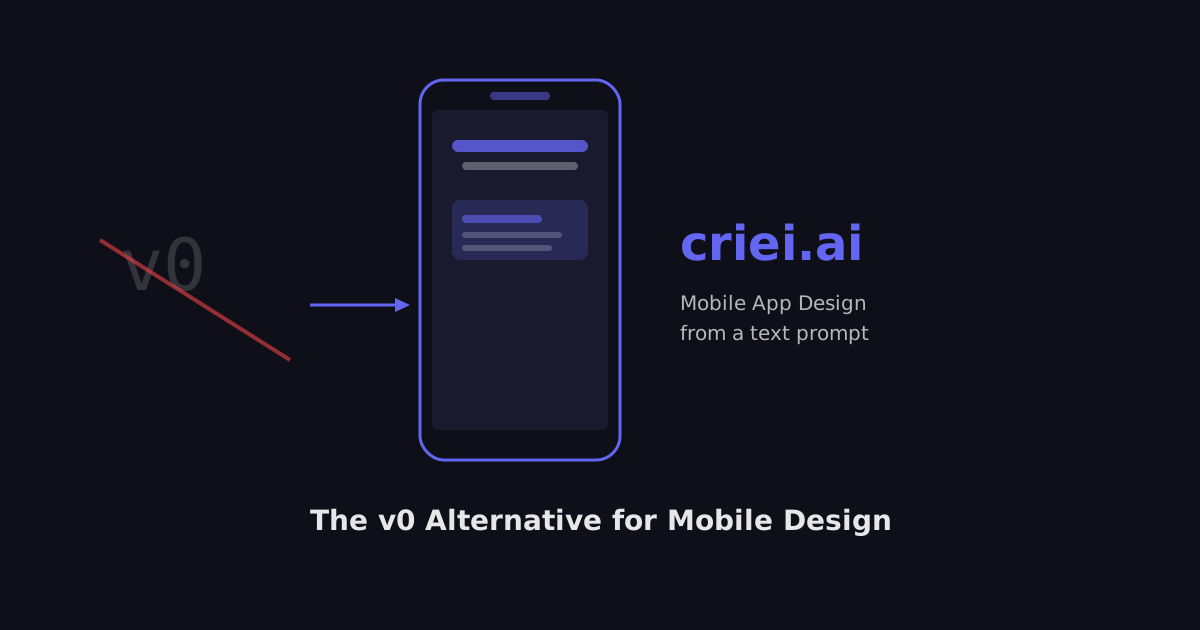
If you've been searching for a v0 alternative for mobile app design, you've probably noticed the same thing: every tool on these comparison lists is built for the web. Bolt.new, Lovable, Replit, Cursor — they generate React components, Next.js apps, and full-stack web products. Great tools. But what if you need iOS or Android screens?
That's the gap criei.ai was built to fill.
Why v0 Isn't a Mobile Design Tool (And That's Fine)
v0 by Vercel is a genuinely impressive tool — you describe a UI and it spits out clean React/Tailwind code. But it's architecturally tied to the web. Its output is JSX. Its design language is browser-first. There's no concept of a native bottom tab bar, a SwiftUI-style card, or a mobile onboarding flow.
The same is true of its nearest competitors:
| Tool | Best for | Mobile app design? |
|---|---|---|
| v0 by Vercel | React/Next.js UI | ❌ Web only |
| Bolt.new | Full-stack web apps | ❌ Web only |
| Lovable | Web app MVPs | ❌ Web only |
| FlutterFlow | Flutter dev builds | ⚠️ Code-heavy |
| Criei.ai | Mobile + web design | ✅ Yes |
None of these are wrong for their intended use case. They're just not what you need when the deliverable is a mobile app screen.
The Actual Problem: You Need a Design, Not Code
Here's what most comparison articles miss: a lot of people searching for a v0 alternative don't want code at all. They want a design.
- A founder who needs to show investors what the app will look like
- A product manager mocking up a feature for developer handoff
- A freelancer who got a mobile app project and has zero Figma experience
- A solopreneur who wants to see their app idea visualized before building anything
For all of these people, generating a React component is the wrong output. What they need is a visual mockup of a mobile screen — something they can show, share, and iterate on.
That's exactly what criei.ai generates.
How Criei.ai Works as a v0 Alternative for Mobile
Instead of writing code, criei.ai generates a complete visual design from your text description. Here's a concrete example:
Prompt:
"Design an iOS onboarding screen for a fitness tracking app. Clean minimal layout, dark background, neon green accent. Show step 1 of 3: asking for fitness goal."
What you get: A fully rendered mobile screen — with proper iOS proportions, native-looking UI elements, and your brand direction baked in. No code. No templates. Ready to share, screenshot, or hand off to a developer as a visual spec.
You can describe as much or as little as you want. The AI handles the rest.
Who Should Use Criei.ai Instead of v0
Use v0 if: You're a developer who wants production-ready React components for a web project.
Use criei.ai if:
- You need mobile app screens (iOS, Android, cross-platform)
- You want designs, not code
- You're not a developer or designer
- You're in the idea/validation/pitch phase
- You need to move fast without hiring a designer
Generating a Mobile App Design in Under 2 Minutes
Here's what the workflow looks like in practice:
- Describe your app — the purpose, the screen you need, the audience, the visual style
- Generate — criei.ai builds a complete design from scratch (not from a template)
- Iterate — tweak the prompt, adjust colors, add or remove elements
- Export — download the design for presentations, dev handoff, or sharing
There's no Figma experience required. No template library to browse. No drag-and-drop. Just describe what you need and get a design.
The Bottom Line
v0 is a great tool for web developers building in React. It's not a mobile design tool — and it was never meant to be. If you need a v0 alternative for mobile app design, you need something built specifically for that use case.
Criei.ai generates mobile app screens from a text prompt. Try it free — no credit card required.