AI Design Tools for Teachers and Online Educators
The Educator's Design Dilemma
Whether you're a classroom teacher, online course creator, tutor, or educational institution, you face the same challenge: creating professional, engaging materials takes time you don't have.
Teachers spend an average of 7 hours per week on lesson prep - time that could be spent actually teaching or giving students individual attention. Course creators struggle to make their content look as polished as competitors with bigger production budgets. Schools need websites and apps but can't justify enterprise design costs.
The result? Educators either burn out creating materials themselves or settle for generic templates that don't reflect their unique teaching approach.
AI design tools offer a better path.
What AI Design Can Do for Education
With criei.ai, you describe what you need in plain English and receive professional designs in seconds. No design skills required. You can create:
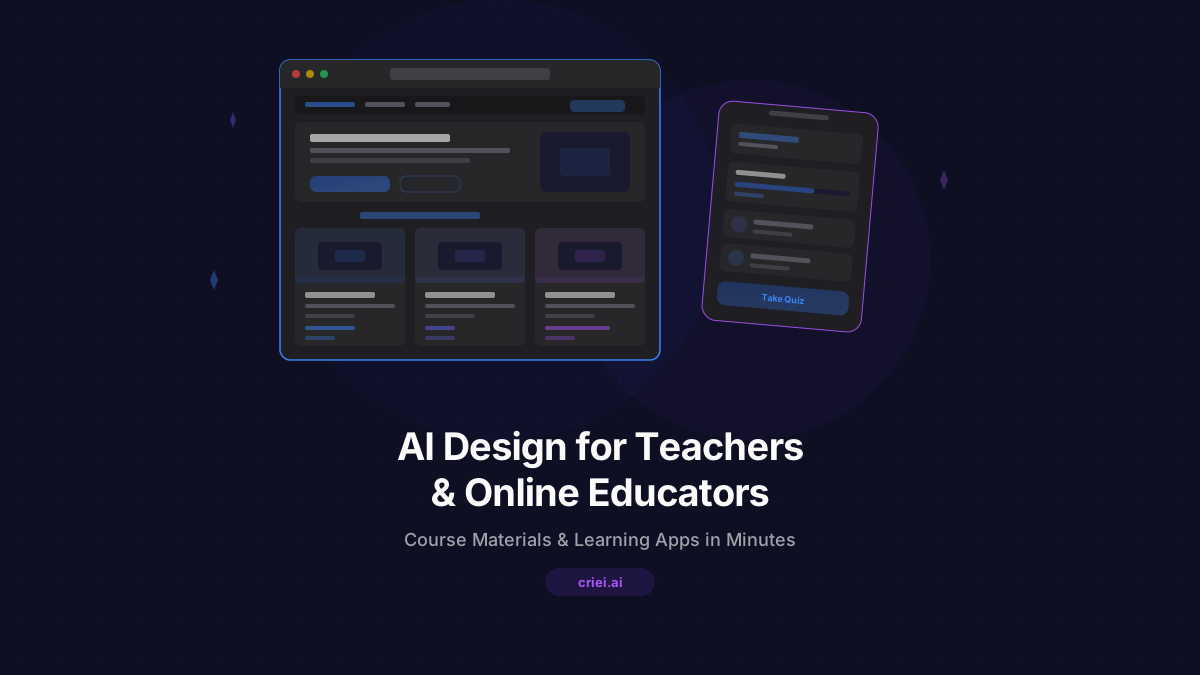
- Educational websites - school sites, tutoring service pages, course creator portfolios with curriculum overviews and enrollment options
- Learning management apps - mobile apps for students to access lessons, track progress, submit assignments, and communicate with instructors
- Course landing pages - dedicated pages for individual courses or programs with curriculum details, instructor bios, and enrollment CTAs
- Student portal web apps - dashboards where students can view schedules, grades, resources, and announcements
- Workshop and event pages - registration pages for webinars, seminars, summer programs, and educational events
criei.ai supports mobile apps, web apps, and landing pages - covering the digital touchpoints modern education requires.
Practical Prompt Examples
Great AI-generated designs start with specific, detailed prompts. Here are examples for different educational contexts.
Online Course Landing Page
"A landing page for an online course called 'Data Science Fundamentals' taught by Dr. Sarah Chen. Clean, professional design with dark blue and white colors. Sections: Hero with course title and 'Master Data Science in 12 Weeks' headline; What You'll Learn with module list; Instructor bio with photo and credentials; Student testimonials; Pricing with payment plan option; Curriculum accordion with weekly breakdown; FAQ; and Enroll Now form. Academic but approachable feel."
Tutoring Service Web App
"A web app for 'BrightMind Tutoring', a K-12 tutoring service. Friendly, educational design with green and yellow colors. Pages: Home with hero, subject areas (Math, Science, English, Test Prep), and 'Find Your Tutor' CTA; About with company mission and methodology; Tutors page with tutor cards showing photo, subjects, and ratings; Pricing for hourly and package rates; Resources with free study guides; Contact with booking form. Warm, trustworthy, encouraging."
Learning App for Students
"A mobile learning app for high school students studying SAT prep. Modern, engaging design with purple and orange accents. Screens: Home dashboard with daily study streak and recommended lessons; Lessons library organized by section (Reading, Writing, Math); Practice Questions with timer and answer feedback; Progress tracker showing scores by category; Flashcards for vocabulary; and Profile with goals and achievements. Motivating, game-like feel."
School Website
"A website for 'Maple Grove Elementary School'. Warm, welcoming design with red and cream colors. Pages: Home with hero photo of students, quick links to calendar and announcements, and principal's message; About with school history and mission; Academics with grade-level curriculum overviews; Staff directory with teacher photos and bios; Parents section with forms and resources; Calendar with school events; Contact with address and enrollment info. Friendly, community-focused."
Workshop Registration Page
"A landing page for a 3-day 'Creative Writing Intensive' workshop for teens. Inspiring, creative design with teal and coral colors. Sections: Hero with 'Unlock Your Story' headline and workshop dates; What You'll Experience (daily schedule overview); About the Instructor with author bio and published works; Student work showcase from previous workshops; Pricing with early-bird discount; FAQ about materials and prerequisites; Register form with parent/guardian info fields. Inspiring, youth-friendly."
Why AI Design Works for Educators
Time Back for Teaching
Every hour spent wrestling with design software is an hour not spent with students. AI design gives educators professional results in minutes, freeing up time for what matters most - actual teaching and student interaction.
Professional Results on Education Budgets
Schools and independent educators rarely have marketing budgets that match their ambitions. criei.ai at $19/month provides unlimited design possibilities - far more cost-effective than hiring designers or buying premium template subscriptions.
Easy Updates for Changing Curricula
Course content evolves. New semesters bring new schedules. Staff changes happen. With AI design, updates are as simple as describing what changed - no waiting on designers or learning complicated software.
Consistency Across Programs
A school district with multiple buildings, or a course creator with multiple offerings, needs consistent branding. AI design makes it easy to maintain the same visual identity across all materials by using similar prompts and style descriptions.
Education-Specific Prompt Tips
- Emphasize credibility - Include instructor credentials, school accreditation, student success stats, and testimonials. Education purchases are high-trust decisions.
- Make navigation intuitive - Students and parents need to find information quickly. Specify clear navigation, search functionality, and organized content sections.
- Consider accessibility - Mention "accessible design" or "high contrast for readability" in prompts. Educational materials should work for all learners.
- Include clear next steps - Every page should guide visitors toward enrollment, contact, or the next logical action. Specify prominent CTAs.
- Match your audience age - Elementary school sites should feel different from graduate program pages. Tell the AI your target student age range.
Beyond Basics: Building an Education Brand
The most successful educators and institutions build brands that reflect their unique approach to learning. They communicate their philosophy, showcase student success, and create community.
AI design tools make this brand-building accessible:
- Program launch announcements
- Student achievement spotlights
- Open house and campus tour pages
- Alumni success story features
- Newsletter and resource library pages
Visit criei.ai/for-education to see examples of AI-generated education designs and start building your educational presence today.
Educators change lives. Their digital presence should reflect that impact. AI design tools make professional education marketing accessible to every teacher, tutor, course creator, and school - regardless of budget or technical skill. Try criei.ai and create your first educational design in minutes.