How Home Service Businesses Can Stand Out Online Today
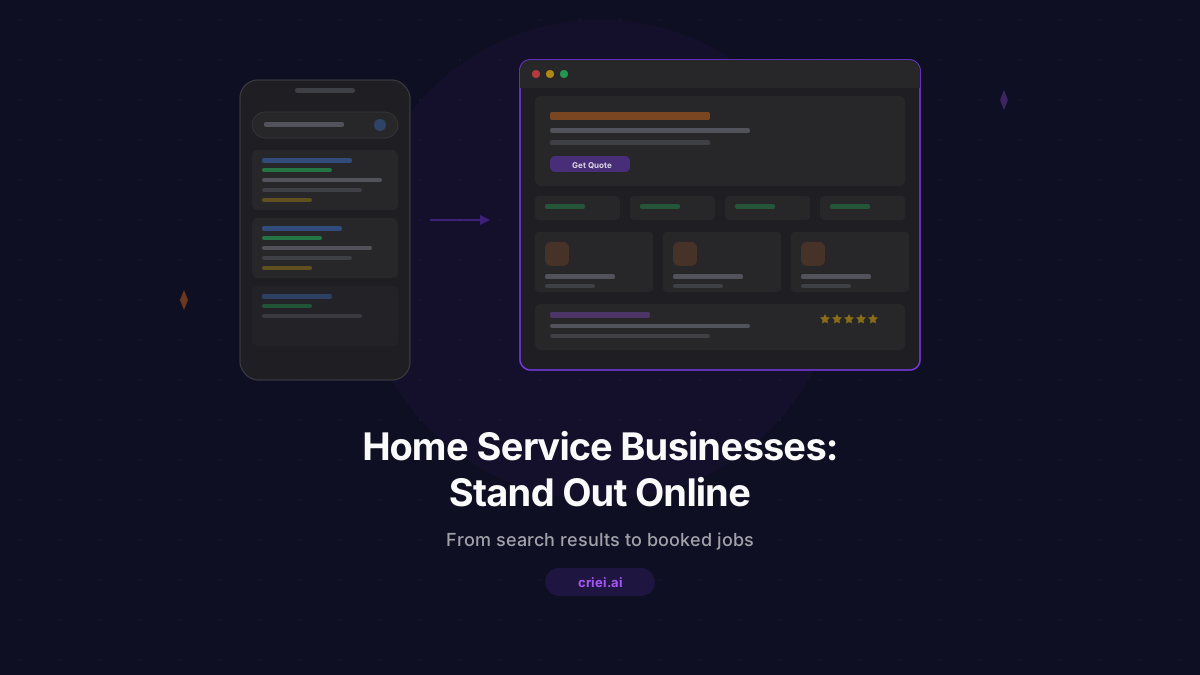
The Online Gap in Home Services
There are millions of home service businesses - contractors, house cleaners, landscapers, plumbers, electricians, painters - and most of them have the same problem: no real online presence. Maybe a Facebook page with three posts from 2022. Maybe a Google Business listing with an old phone number. Maybe nothing at all.
Meanwhile, homeowners are searching "house painter near me" and choosing whoever shows up first with a decent-looking website. The gap between great service providers and their online visibility is enormous. If you close this gap, you win more work.
This guide walks you through building an online presence for your home service business using criei.ai - from understanding why you need a website to writing your first prompt and getting it live.
Why You Need a Website (Even If You're Busy)
You might think: "I get enough work through referrals." That's great. But consider what happens when a referred lead looks you up. They Google your name. They check for a website. If they find nothing, doubt creeps in. If they find a professional site with photos of your work, reviews, and a contact form - you've reinforced the referral.
A website isn't just for finding new clients. It's for:
- Validating referrals - People will look you up even after a personal recommendation
- Ranking on Google - You can't show up in search results without a website
- Looking professional - A polished site sets you apart from competitors who only have a phone number
- Saving time - Instead of explaining your services over the phone, send a link
- Collecting leads 24/7 - A contact form works while you sleep
What to Include on Your Website
Keep it simple. Home service customers don't want to scroll through ten pages. They want to know three things: what you do, if you're good at it, and how to reach you.
Services
List every service you offer with a short description. Be specific. "General renovation" tells people nothing. "Kitchen remodeling, bathroom renovation, basement finishing, and deck construction" tells them exactly what to expect.
Portfolio or Gallery
Photos are worth more than words in this industry. Show completed projects. Before-and-after shots are incredibly effective. Even phone photos work - what matters is showing real results.
Testimonials
Ask your best clients for a short quote. "Mike rebuilt our deck in three days and it looks amazing. Professional and on time." - that kind of thing. Three to five testimonials is plenty.
Contact Information
Phone number, email, a contact form, and your service area. Make the phone number clickable on mobile. Many home service leads come from smartphone searches.
Trust Signals
Years in business, licenses, insurance, certifications, number of completed projects, satisfaction guarantees. Anything that reduces risk for the homeowner.
Writing Prompts for Your Industry
The key to getting a great website from criei.ai is writing prompts that describe your specific business. Generic prompts give generic results. Here are examples tailored to different home services.
House Cleaning
"A website for a house cleaning service called Crystal Clean. Friendly and bright design. Hero section with headline 'A Spotless Home, Every Time.' Services: regular cleaning, deep cleaning, move-in/move-out cleaning, office cleaning. Pricing section with three packages (Basic, Standard, Premium). Testimonials from happy clients. Booking form with date picker and home size selector. Light blue and white color scheme."
Painting
"A landing page for a residential painting company. Large hero image of a freshly painted living room. Services: interior painting, exterior painting, cabinet refinishing, deck staining, and wallpaper removal. Color consultation section. Gallery of completed projects. Contact form with room count and square footage fields. Clean design, white background with colorful accents."
Handyman
"A website for a local handyman service. Hero section with 'No Job Too Small' headline. Services grid: furniture assembly, drywall repair, door installation, shelf mounting, TV mounting, minor plumbing, and minor electrical. Hourly rate display. Testimonials. Service area map. Phone number prominently displayed. Simple, trustworthy design with orange and dark gray."
Pool Service
"A pool maintenance company website. Hero with a crystal clear pool image. Services: weekly maintenance, pool opening/closing, equipment repair, chemical balancing, and pool renovation. Seasonal plans section. Before/after gallery of pool cleanings. Contact form. Blue gradient color scheme, clean modern layout."
Building Your Site Step by Step
Here's the practical workflow for going from zero to a live website:
1. Choose your format. In criei.ai, select "Landing Page" or "Web App" depending on how many pages you need. For most home service businesses, a landing page with all sections on one scrollable page works perfectly.
2. Write your prompt. Use the examples above as a starting point. Replace the business name, services, and details with your own. The more specific you are, the better the result.
3. Review and iterate. Look at the generated design. Want to change the color scheme? Ask for it. Need an extra section for seasonal services? Add it. Each refinement gets you closer to exactly what you want.
4. Add your real content. Replace placeholder text with your actual business info, real testimonials, and genuine service descriptions.
5. Export and deploy. Download your site and host it. Many simple hosting services let you put a site live for under $10/month - or even free.
Making It Work on Mobile
More than 60% of local service searches happen on phones. Your site must work well on small screens. The good news: criei.ai generates responsive designs by default. But pay attention to these details:
- Phone number should be tappable - One tap to call
- Forms should be short - Nobody fills out a 15-field form on a phone
- Images should load fast - Compress your photos
- Text should be readable - No tiny fonts on mobile
Standing Out From the Competition
Most of your competitors don't have a website. That's your advantage. But if they do, here's how to stand out:
- Show real photos - Stock photos of smiling people with toolbelts look fake. Your actual project photos are infinitely more convincing.
- Be specific about your area - "Serving Austin, Round Rock, Cedar Park, and Georgetown" beats "Serving the area."
- Display your response time - "We respond to all inquiries within 2 hours" is a strong differentiator.
- Keep it updated - Add new project photos quarterly. Fresh content shows you're active and busy.
The ROI of a Professional Website
Let's do simple math. If a website costs you one hour of setup time and helps you land one extra job per month, the return is massive. A single kitchen remodel, landscaping project, or deep cleaning contract can be worth hundreds or thousands of dollars. That one extra client per month easily justifies the effort.
And unlike paid ads that stop working when you stop paying, a website keeps working. It builds authority over time. It compounds.
Your skills are your biggest asset. A professional website makes sure people can find you and trust you. Try criei.ai to build your home service website today - describe your business and let AI handle the design.