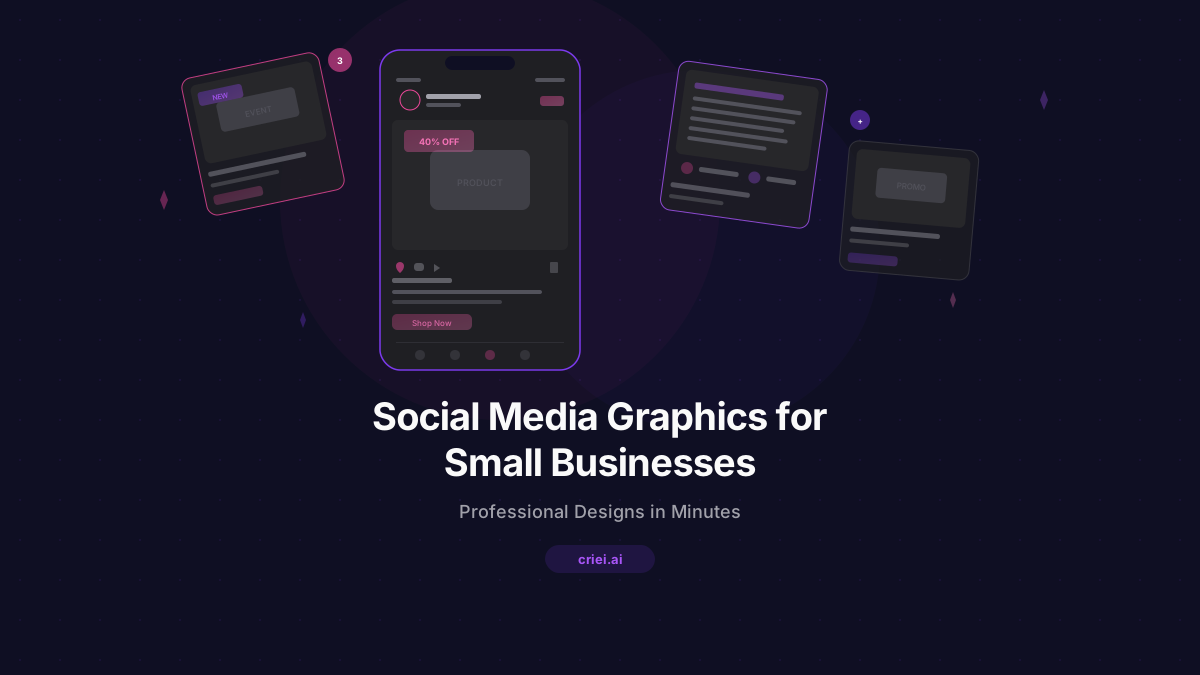
Social Media Graphics for Small Businesses Using AI
The Small Business Social Media Dilemma
You know you need to post on social media. Every marketing guide, every business coach, every successful competitor says the same thing: consistent, professional social media content drives awareness, builds trust, and brings in customers.
But here's the reality for most small business owners: you're wearing ten hats already. You're running operations, managing employees, handling customers, dealing with finances - and somehow you're also supposed to create beautiful, on-brand social media graphics regularly?
The gap between knowing you should post and actually having the designs to post is where most small businesses stall.
Why Visual Quality Matters on Social Media
Social media is a visual-first medium. Users scroll through hundreds of posts per day, and they spend less than two seconds deciding whether to stop and engage with yours. The quality of your visuals directly determines whether you get noticed or get scrolled past.
This doesn't mean you need Photoshop skills or a design degree. It means your posts need to look intentional, professional, and consistent with your brand - and that's exactly what AI design tools can deliver.
How AI Design Tools Solve the Content Problem
With criei.ai, you describe the social media graphic, landing page, or promotional design you need in plain language, and the AI generates a complete, polished design in seconds. You can then refine it through conversation - adjust colors, change text, modify layouts - until it's exactly what you want.
Here's how small business owners are using it to level up their social media presence.
1. Promotional Post Graphics
Create eye-catching graphics for sales, events, product launches, and seasonal promotions. Instead of struggling with Canva templates that never quite fit your brand, describe exactly what you want.
Example prompt for criei.ai:
"A social media promotional graphic for a boutique clothing store's summer sale. Bright, trendy design with coral pink and white. Show 'Summer Sale - Up to 40% Off' as the main headline. Include placeholder for a lifestyle product photo, store name 'Bloom Boutique' at the top, dates 'June 15-30', and a 'Shop Now' call-to-action. Instagram post dimensions. Clean, modern aesthetic that appeals to women aged 25-40."
2. Brand Announcement Posts
Launching a new product, opening a second location, or hitting a milestone? Create professional announcement graphics that match your brand identity.
Example prompt:
"A social media announcement graphic for a local bakery opening a second location. Warm, inviting design with soft cream and chocolate brown tones. Main text: 'We're Growing! New Location Opening March 1st'. Include the bakery name 'Sweet & Simple' prominently, the new address placeholder, a 'Grand Opening Special' badge, and placeholder for bakery interior photo. Instagram post dimensions. Friendly, community-focused feel."
3. Educational Content Graphics
Position your business as an expert by sharing tips, how-tos, and educational content. These posts tend to get high engagement and shares.
Example prompt:
"A social media educational graphic for a pet grooming business sharing winter coat care tips. Clean design with light blue and white. Title: '5 Winter Coat Care Tips for Your Dog'. List 5 tips with small icons: 1) Brush daily, 2) Avoid over-bathing, 3) Use a moisturizing shampoo, 4) Trim paw fur, 5) Consider a dog sweater. Include business name 'Paws & Claws Grooming' and logo placeholder. Instagram carousel first slide. Professional but approachable."
4. Service Showcase Pages
Create landing pages that showcase your services and can be shared as link posts on social media. Drive traffic from social to a dedicated page that converts.
Example prompt:
"A landing page for a home cleaning service targeting busy professionals. Modern, clean design with mint green and white. Sections: hero with headline 'A Clean Home Without Lifting a Finger', service tiers showing Basic Clean, Deep Clean, and Move-In/Move-Out packages with prices, trust badges showing 'Insured', 'Background Checked', and '5-Star Rated', client testimonials, before-after cleaning photos section with placeholders, and booking form with date picker. Professional and trustworthy."
5. Event Promotion Landing Pages
Whether it's a workshop, a pop-up sale, a grand opening, or a community event, create dedicated landing pages that capture RSVPs and build excitement.
Example prompt:
"A landing page for a small business networking event hosted by a coworking space. Professional but friendly design with navy blue and warm yellow accents. Sections: hero with event name 'Small Business Connect - Monthly Networking Night', date and time details, speaker lineup with photo placeholders and bios, event schedule with times, venue info with address and map placeholder, 'Save Your Spot' RSVP form, and sponsor logos area. Energetic and professional."
Building a Consistent Brand on Social Media
The key to effective social media isn't just posting - it's posting consistently with a recognizable brand identity. When someone scrolls through your feed, every post should clearly look like it comes from your business.
Color Consistency
Pick 2-3 brand colors and use them in every prompt. "Use [your brand colors]" in your criei.ai prompt ensures every design feels cohesive.
Typography Patterns
Describe the typography style you want - "bold and modern" or "elegant and serif" or "friendly and rounded" - and use the same description across all your designs.
Content Pillars
Organize your social media into content categories:
- Promotional (sales, offers, new products)
- Educational (tips, how-tos, industry insights)
- Behind-the-scenes (team, process, company culture)
- Social proof (testimonials, reviews, user-generated content)
Then create design templates for each category using criei.ai and maintain visual consistency across all your posts.
The ROI of Professional Social Media Design
Let's be practical about the numbers:
- Hiring a social media designer: $500-$2,000/month
- Using a premium design tool with learning curve: $15-$50/month + hours of your time
- Using criei.ai: $19/month, designs ready in minutes, no learning curve
For a small business where every dollar counts, the ability to create professional designs on demand - without the overhead of a designer or the time investment of learning design software - is a genuine competitive advantage.
Tips for Better Social Media Design Prompts
- Specify the platform - Instagram, Facebook, and LinkedIn have different optimal dimensions and design conventions.
- Include your brand name - always mention your business name so it appears in the design.
- State the goal - "drive traffic to our website" vs. "get event RSVPs" vs. "announce a new product" creates different designs.
- Describe the audience - "targeting young professionals" vs. "targeting families with kids" shapes the visual tone.
- Mention the season or context - "holiday promotion" or "back-to-school campaign" gives the AI useful creative direction.
Stop Overthinking, Start Posting
The biggest mistake small businesses make with social media isn't posting the wrong thing - it's not posting at all because creating content feels too hard or too expensive.
AI design tools remove that barrier. You can create professional-quality social media graphics in the time it takes to write a text message. No design skills, no expensive software, no waiting for freelancers.
Visit criei.ai/for-small-business to see design examples for small businesses and start creating professional social media graphics today.
Your competitors are posting every day. The ones growing fastest are the ones who look professional doing it. AI design tools make professional social media design accessible to every small business. Try criei.ai and create your first social media design in minutes.